
Offline Barcode & Product Label Scanner
Scan barcodes or product labels in-aisle—even with zero signal.
Most grocery apps stop working in supermarket basements where cell signal drops. GrocerIQ works as an offline supermarket checker—it checks your phone's saved list first so it works with zero internet. When you have signal, it can also look up new products automatically. And if an item isn't found—or has no barcode like fresh meat or produce—just tap 'Scan Product' and snap the product label to fill in the brand, size, and name for you.
Step-by-Step Experience
Experience Offline Barcode & Product Label Scanner on your mobile device in 3 simple steps.
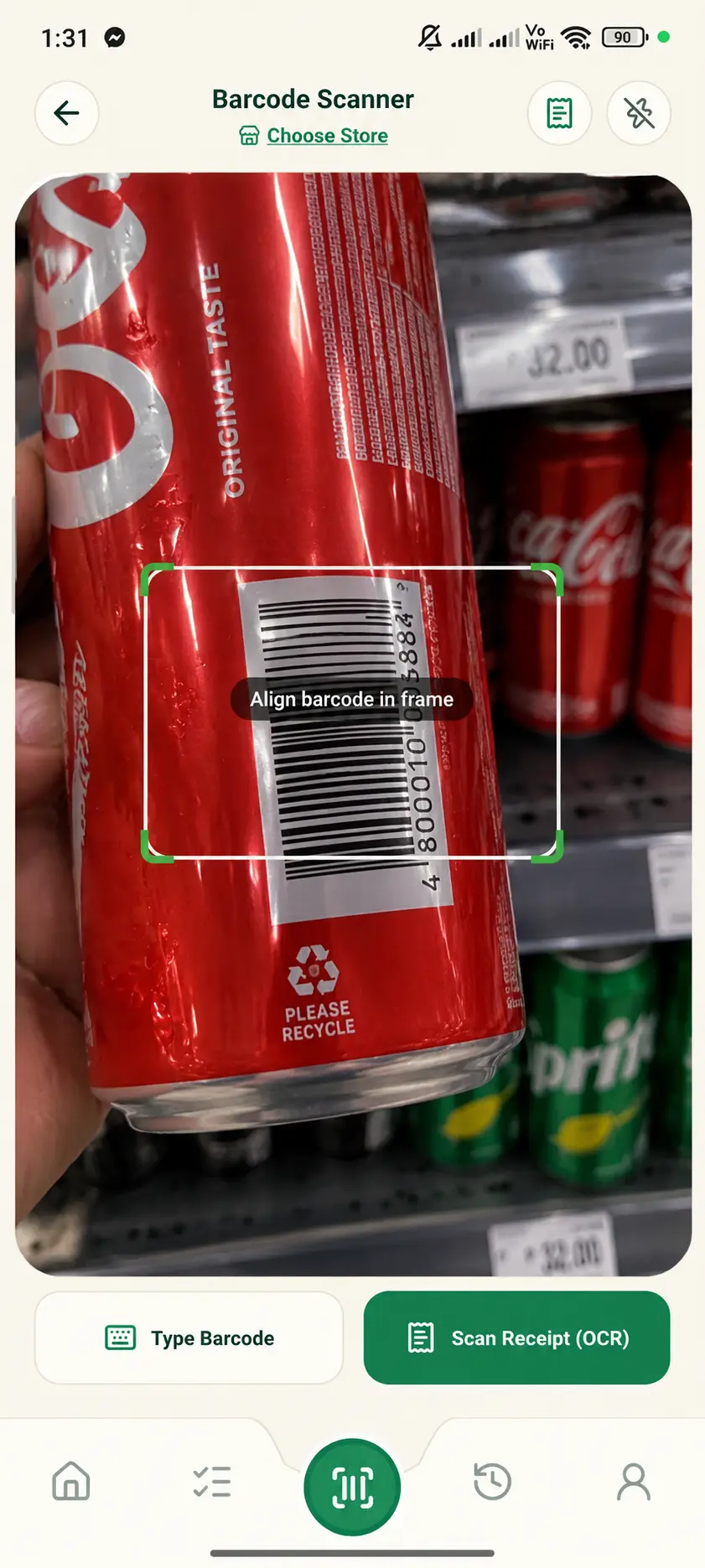
Point Camera at Barcode or Tap 'Scan Product'
Scan any product barcode right away, or tap 'Scan Product' for produce and unbarcoded items.
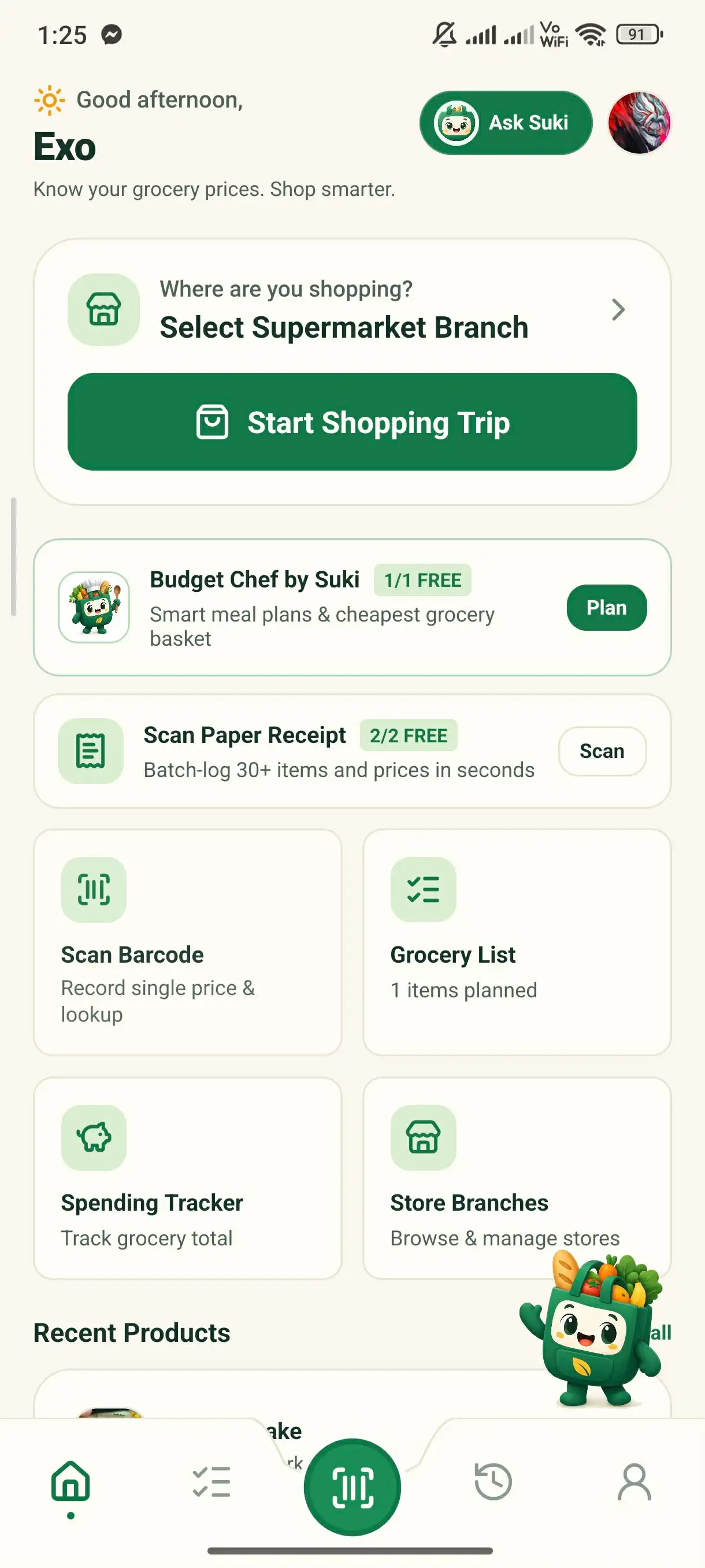
Auto-Fill Details or Snap the Product Label
Saved items show up right away, even offline. New item? Snap the product label and GrocerIQ reads the name, brand, and size for you.
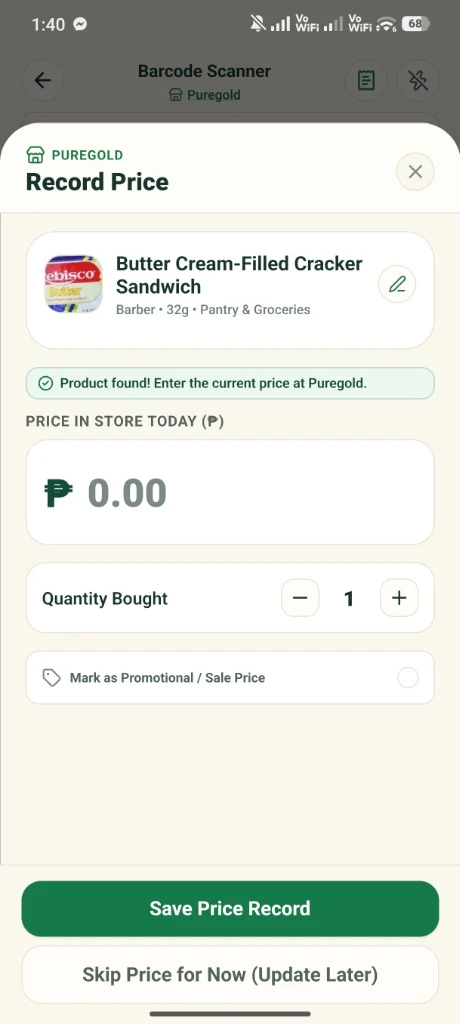
Confirm & Add to Live Basket
Double-check the details in one tap, save offline right away, and sync when you're back on Wi-Fi.
Key Capabilities & Benefits
Scan saved barcodes and read product labels even in basement aisles with no mobile data.
When you have signal, GrocerIQ looks up new products for you and saves them for your next offline trip.
No barcode or item not found? Snap the product packaging to auto-fill the brand, size, and product name.
Smarter shopping starts here.
Join households saving money on groceries across the Philippines.
GrocerIQ for Android is now live on Google Play—download it today and take control of your grocery budget.


Know Your Price. Shop Smarter.